

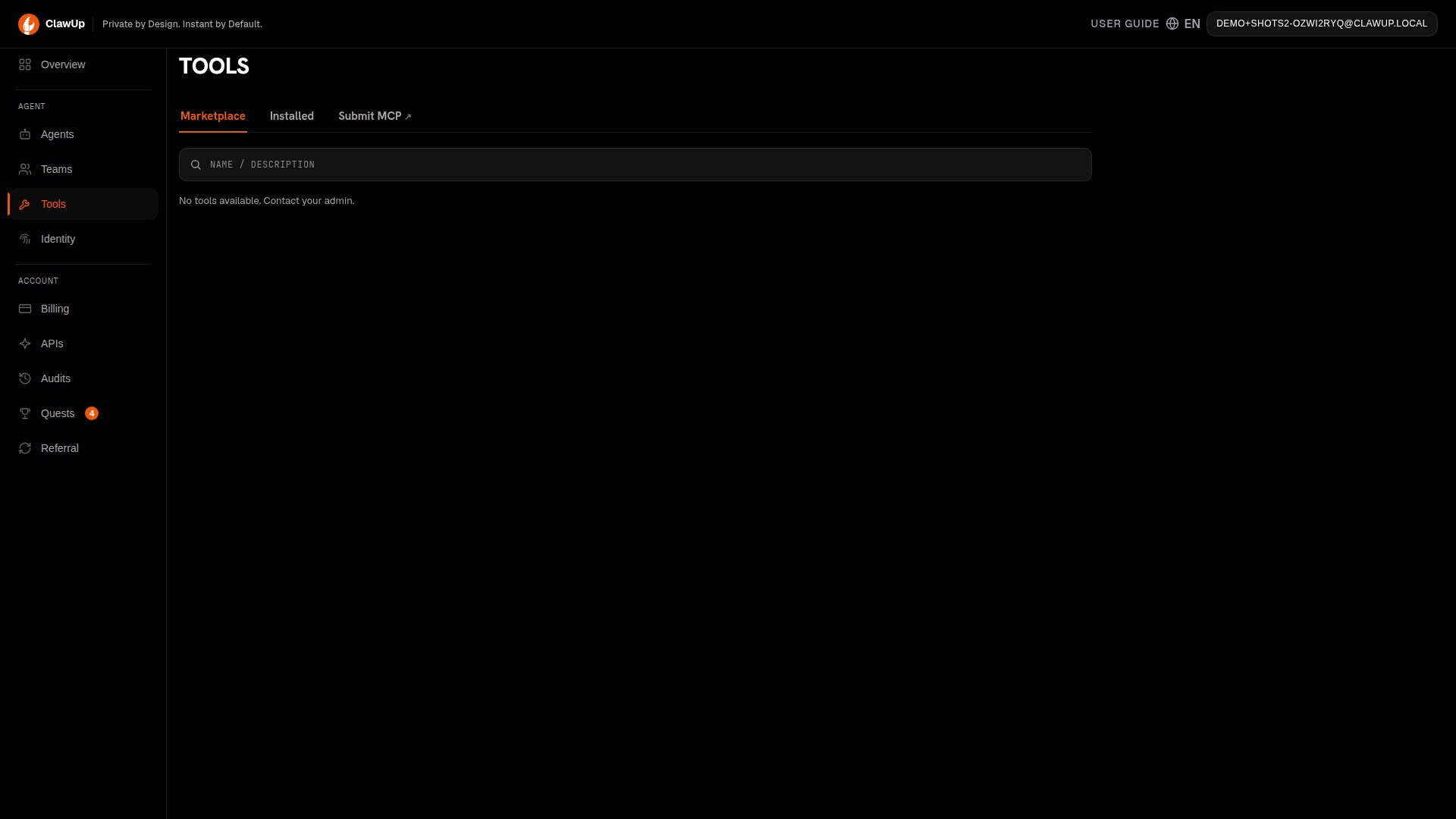
Read this online: docs.clawup.org/src/mcp-submissionsThe Tool Marketplace in ClawUp lets any user submit a Model Context Protocol (MCP) server for review. Once the admin approves it, it appears in every user’s marketplace and can be bound to any Agent with one click. In the app, this all lives under Tools in the left sidebar, which has three tabs: Marketplace, Installed, and Submit MCP.
Need a review? Ping the admin on the @clawup Telegram channel after you submit — that’s the fastest way to get eyes on a pending entry.This guide walks you through submitting a tool, what happens during review, and how to handle a rejection.
Why MCP?
The Model Context Protocol solves a wiring problem that’s otherwise N×M painful: N tools you want your agent to use, M LLM providers and runtimes that each speak their own tool-calling dialect. Before MCP, every (tool, provider) combo needed a bespoke adapter — a Slack tool that worked in OpenAI’s function-calling format had to be re-implemented for Anthropic’s tool-use format, and again for any in-house runtime. That cost compounded fast and froze most agent platforms into one-provider silos. MCP defines a small, transport-agnostic JSON-RPC-style contract: a tool exposes its capabilities (tools/list), accepts calls (tools/call), and optionally streams events. The model side implements the client once and can talk to any MCP server. Anthropic, OpenAI, OpenRouter, and the open-source agent runtimes have all converged on this contract.
For ClawUp specifically, the protocol is load-bearing in three ways:
- Provider freedom. A user can switch their Agent from
claude-sonnet-4-6togpt-5.4without re-binding any tools — the MCP layer is what the runtime calls into, not the model. This is why the Tool Marketplace lists tools with no per-provider variants. - Runtime portability. OpenClaw and Hermes are different runtimes with different internal architectures, but both speak MCP. A tool submitted to the marketplace is usable by every Agent on every runtime, today and as new runtimes are added.
- Network effects in the marketplace. Tools are external HTTPS services — a submitter doesn’t ship code into the runtime image, doesn’t need ClawUp to deploy anything, doesn’t need to wait for a release. They post a
server.json, get reviewed once, and every user on the platform can bind it instantly. One person’s Firecrawl integration becomes everyone’s. Without MCP that hand-off would require a code change in ClawUp itself.
Who can submit?
Any signed-in ClawUp user. The admin only steps in at the review stage — to nudge them after you submit, message the @clawup Telegram channel. You can have at most 5 pending submissions at a time. After one is approved or rejected, you can submit again. There’s no cap on lifetime submissions.Before you submit
You’ll need:Submit a tool from the dashboard
- In the left sidebar, click Tools — you’ll land on the Marketplace tab.
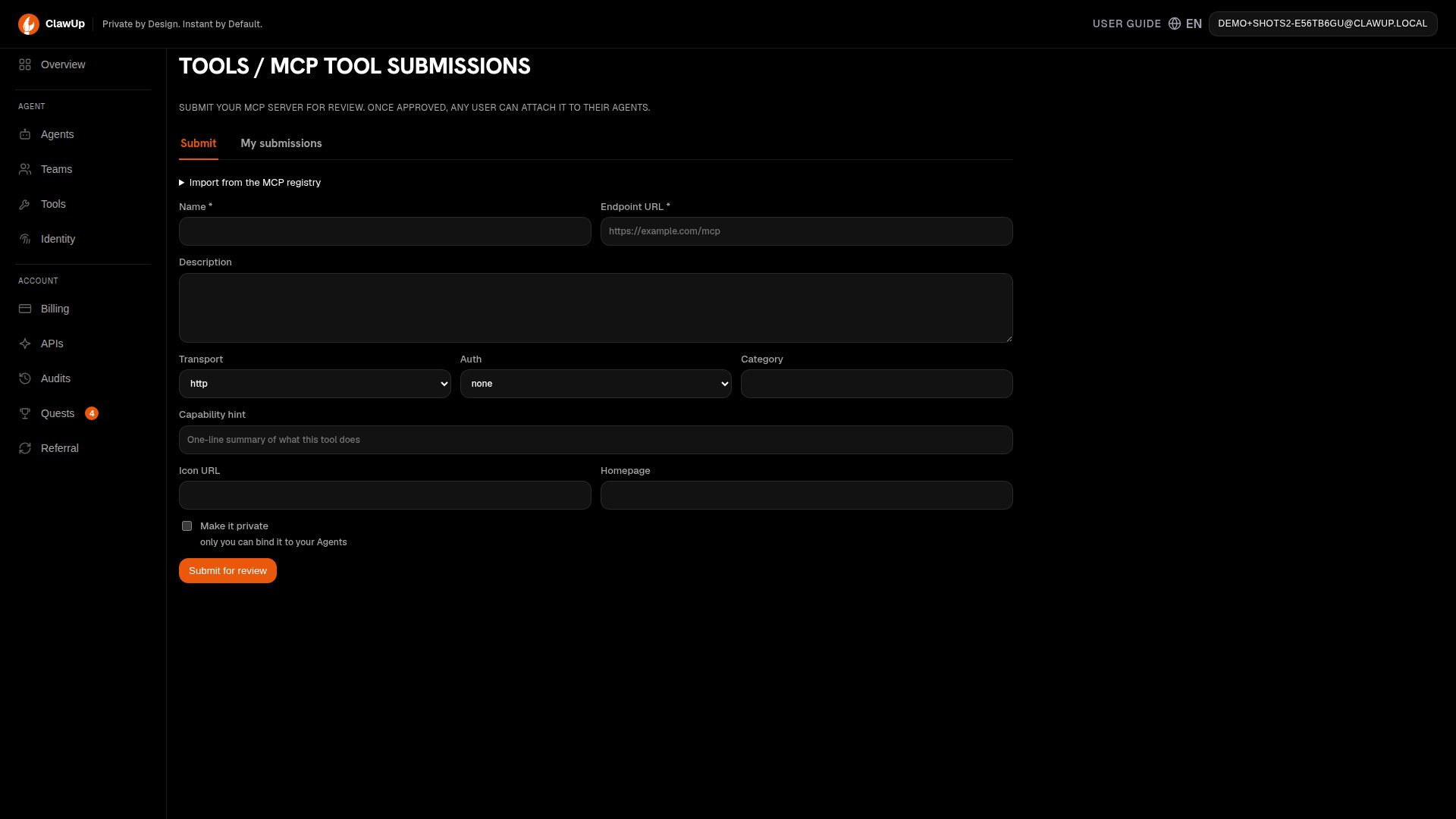
- Click the Submit MCP tab. This opens its own Submit / My submissions sub-tabs.
- On the Submit sub-tab, fill in the form:
- Name — short, unique, user-facing (e.g.
Firecrawl Search). - Endpoint URL — the public HTTPS URL.
- Description — what the tool does.
- Transport —
httporsse. - Auth —
noneorapi_key. - Category, Capability hint, Icon URL, Homepage — optional but recommended; they show up on the tool card.
- Make it private — leave unchecked to make the tool available to every user once approved, or check it to keep it to yourself: only you can bind it to your Agents.
- Name — short, unique, user-facing (e.g.
- Click Submit for review.
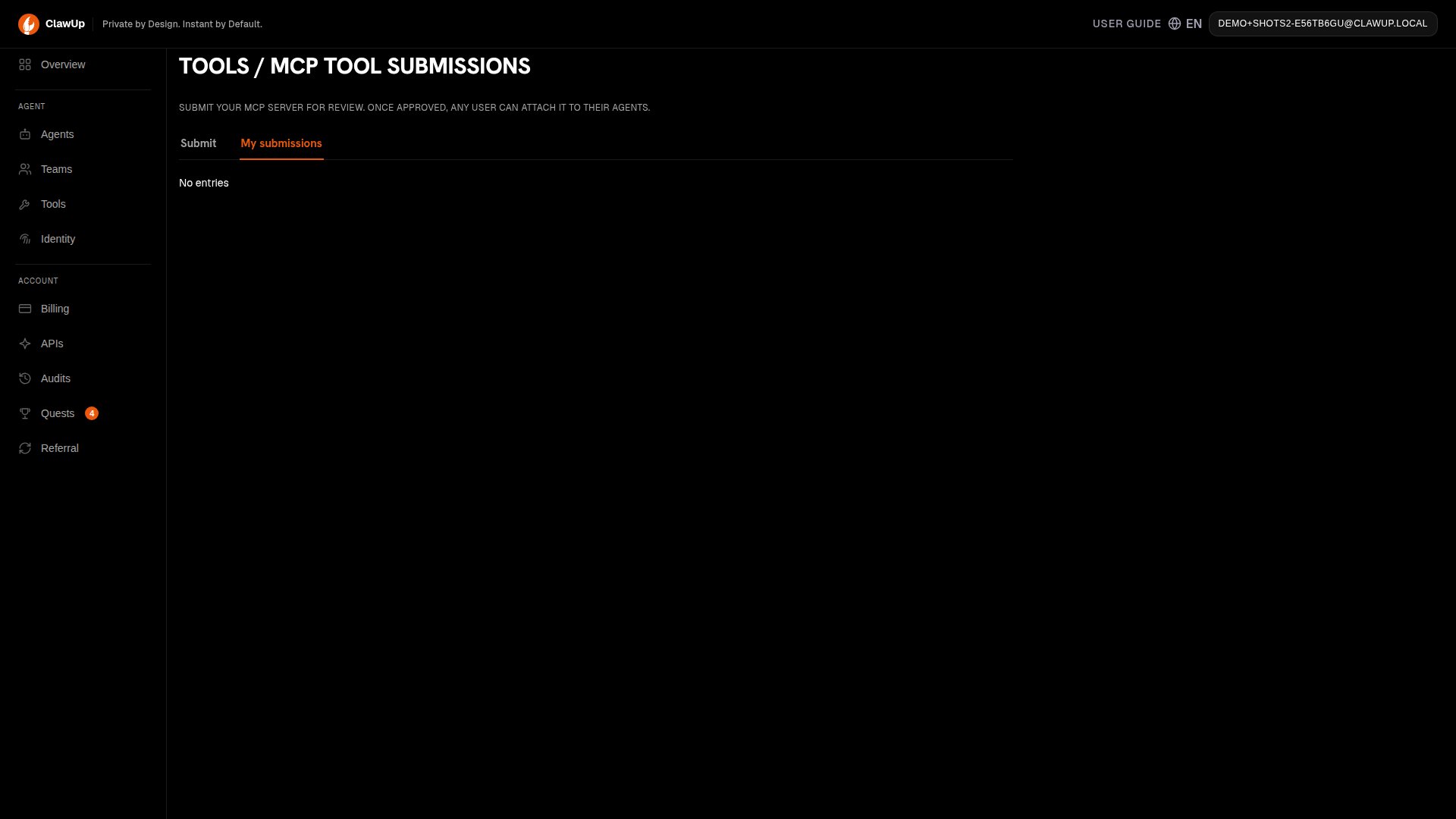
pending.
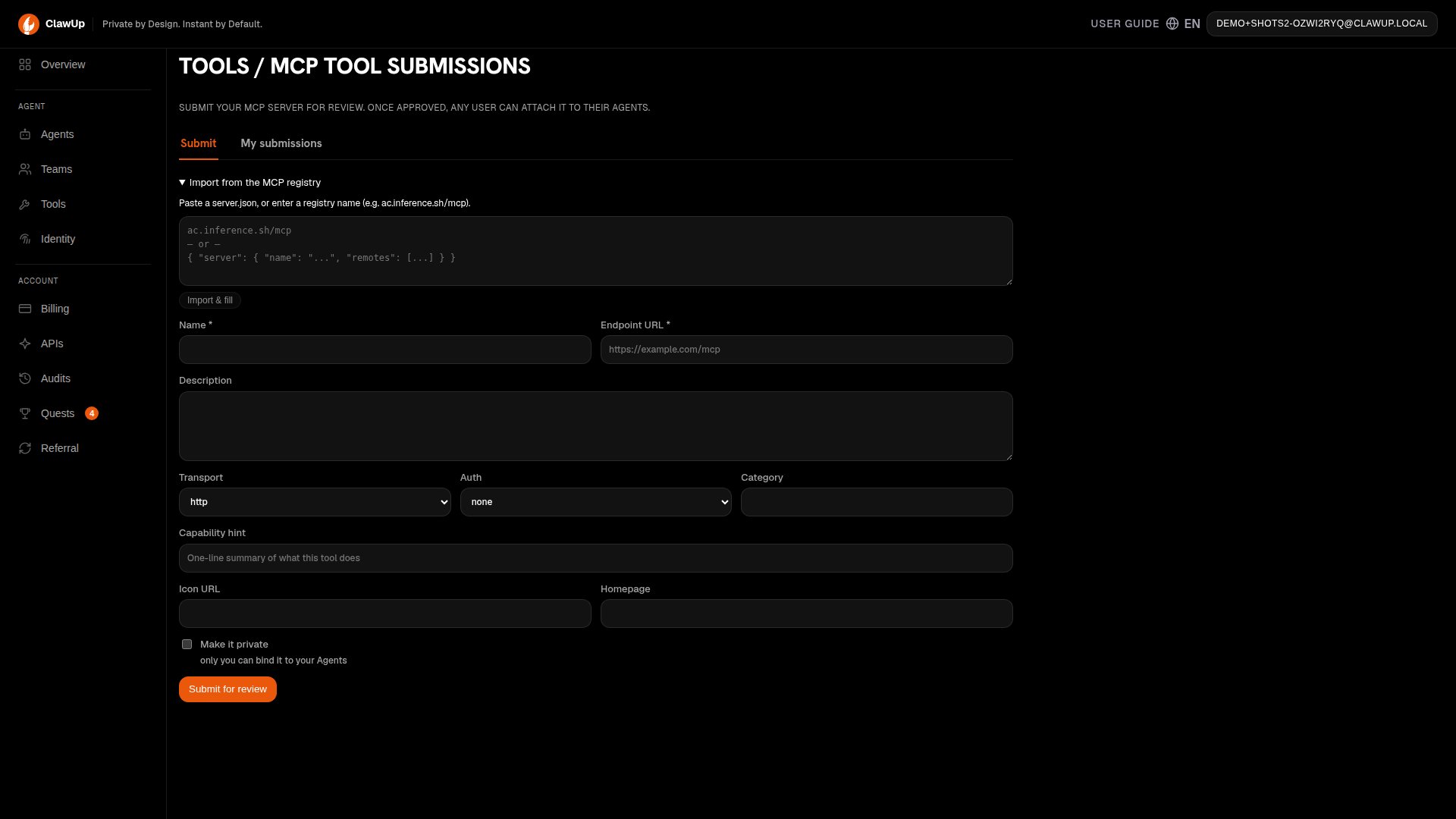
Importing from the MCP registry
If your tool is already published in a registry likeac.inference.sh, expand Import from the MCP registry at the top of the form, paste the registry name (e.g. ac.inference.sh/mcp) or a server.json blob, and click Import & fill to populate the fields automatically.
What happens during review
While your submission ispending:
- It appears in your My submissions tab.
- It appears in your own
/api/v1/toolslist withowned_by_viewer = trueso you can bind it to your own Agents as a draft, even before it’s approved publicly. - It does not appear in any other user’s marketplace.
- The admin sees it in the review queue. Ping @clawup on Telegram if you’d like them to look sooner.
- Approve — your submission moves to
approved. If you set visibility topublic, it now shows up in every user’s Tool Marketplace. Approved entries become read-only for the submitter; you can no longer edit or withdraw them. - Reject — admin attaches notes explaining why (e.g. “endpoint missing handshake field”). You’ll see status
rejectedalong with the notes under My submissions.
Handling a rejection
You can edit a rejected submission and resubmit it. Editing flips the status back topending and clears the previous reviewer notes:
- Open My submissions, find the rejected entry.
- Click Edit.
- Address the reviewer’s notes (often: fix the endpoint URL, add an auth scheme, or expose the missing handshake).
- Click Save.
pending or rejected submission entirely by clicking Delete.
Binding an approved tool to an Agent
Once your submission is approved (or while it’s still pending and owned by you):- Open any Agent and go to Tools.
- Find the tool by name, click Install.
- If the tool’s auth scheme is
api_key, paste the key when prompted. ClawUp stores it encrypted alongside the binding and injects it at runtime.
Common errors
See also
- Claw Connect — the agent-to-agent communication MCP that ships with every ClawUp runtime.
- Teams — how multiple Agents coordinate using MCP tools.