

Communication Modes
When creating a team, you choose how members communicate:SubAgent Mode
In SubAgent mode, the leader bot runs a single container. Team members exist as virtual personas within the leader’s prompt. The leader role-plays each member inline — analyzing the task, thinking from each member’s perspective, and synthesizing the results. This is faster and cheaper because everything happens in a single context window with no network overhead or tool calls.MultiAgent Mode
In MultiAgent mode, each team member is a separate container with its own model and API key. Members communicate through Claw Connect MCP tools over the network. This mode supports different models per role (e.g., GPT-5.4 for the leader, Claude Haiku 4.5 for researchers), cross-team communication via Nebula, and multi-user collaboration — multiple people can interact with different team members simultaneously through their own messaging channels.Creating a Team
Go to Teams in the left sidebar, or use the Create New Team card on the Overview page. Unlike creating a single Agent, team creation is one scrollable Create Team page rather than a multi-step wizard:- Team Name — e.g., “My Research Team”
- Communication Mode — SubAgent (recommended) or MultiAgent
- Agent Type — the runtime engine for the team, OpenClaw or Hermes Agent (same choice as for a single Agent — see Runtimes)
- Model Usage — Bring Your Own Key (use your own provider API key) or ClawUp-managed (pay-as-you-go with Token Credits), then Model and, for BYOK, API Key
- Configuration — build the team from a Template or AI Generate (below)
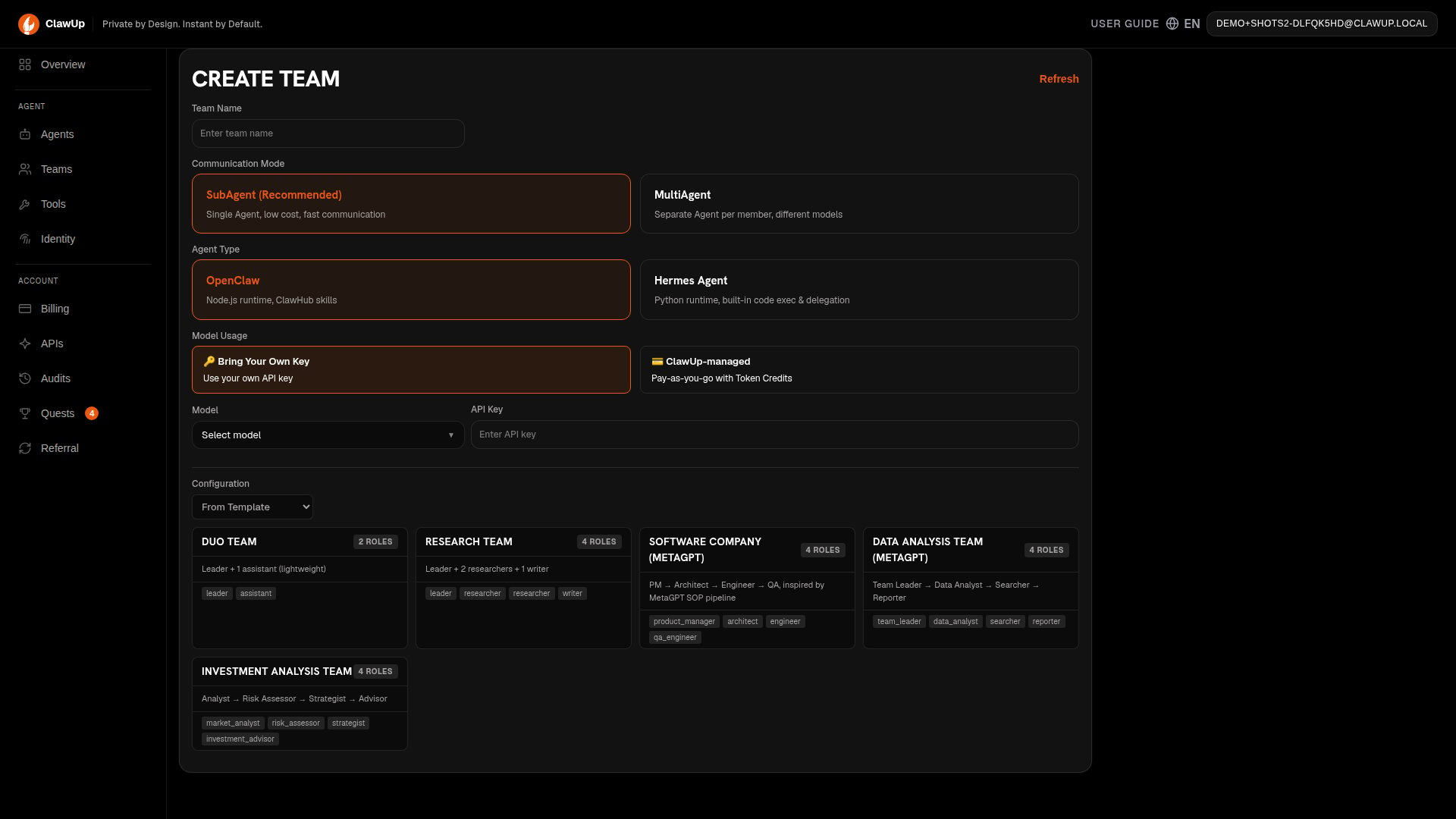
From Template
Choose one of the five built-in templates:AI Generate
Switch the Configuration dropdown to AI Generate:- Describe what you need in one sentence (e.g., “Help me analyze the crypto market”)
- Click Generate — the AI creates team roles and personas automatically
- Review and edit the generated configuration before proceeding
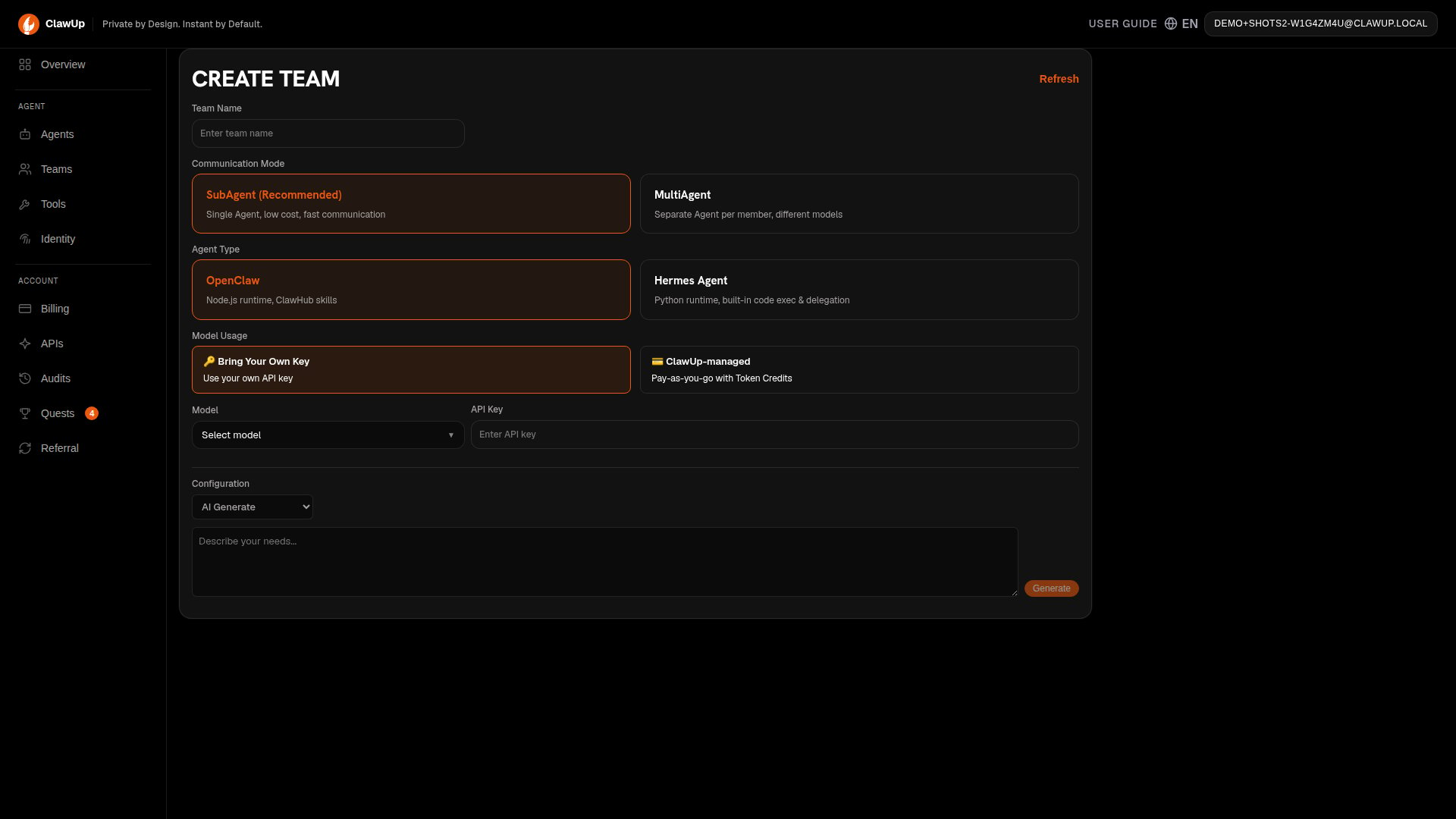
Roles, Leader, and Channels
After selecting a template or generating roles, review and edit each team member’s persona — each role has a name, description, and system prompt that defines how it behaves. Select a Leader for the team (the member you interact with directly, who coordinates the others), and optionally configure a messaging channel (Telegram, Feishu, Slack) for the leader so you can chat with the team from your preferred platform.Create
Click Create Team. In SubAgent mode, one container is provisioned with a composite prompt. In MultiAgent mode, all members are provisioned as separate containers with Claw Connect networking. This typically takes 1-3 minutes.Team Operations
Once a team is created, you can manage it from the Teams page, which lists every team you’ve created (searchable by name, filterable by template and state):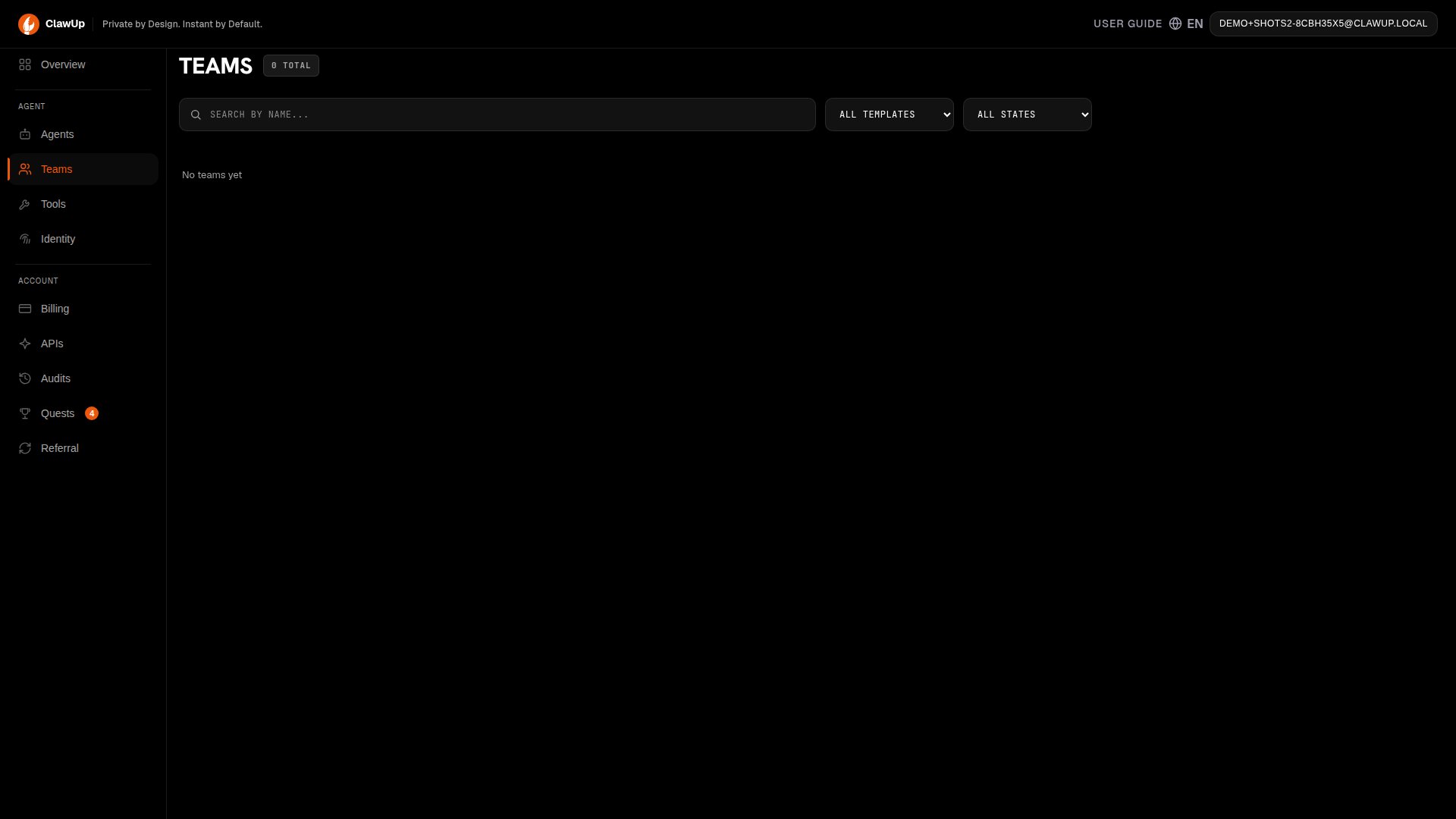
- Stop — Pauses all team members at once
- Start — Resumes a stopped team
- Delete — Removes the team and all its members
- Quick Chat — Send messages directly to the team leader from the console
How Teams Communicate
SubAgent Mode (inline personas)
In SubAgent mode, the leader handles all team member perspectives within a single conversation turn. No tools or sessions are needed — the leader role-plays each member inline. Example prompt:MultiAgent Mode (Claw Connect)
In MultiAgent mode, team members communicate through Claw Connect MCP tools over the network. Each member is a separate container.
Example — MultiAgent delegation:
Tip: For more details on MultiAgent communication tools, see the Claw Connect documentation.
Session Persistence
Team conversations persist across restarts. If a team is stopped and restarted, the session history is preserved so the team can pick up where it left off.Billing
- SubAgent mode — Only 1 container is billed (the leader). A 4-member team costs 1 x $10/month on the Basic plan.
- MultiAgent mode — Each member is a separate container. A 4-member team costs 4 x $10/month = $40/month on the Basic plan.